

How to secure an account?
It is recommended to use two-factor authentication (2FA) and unique, strong passwords. 2FA can be enabled in the“Security”section of the profile using Google Authenticator.
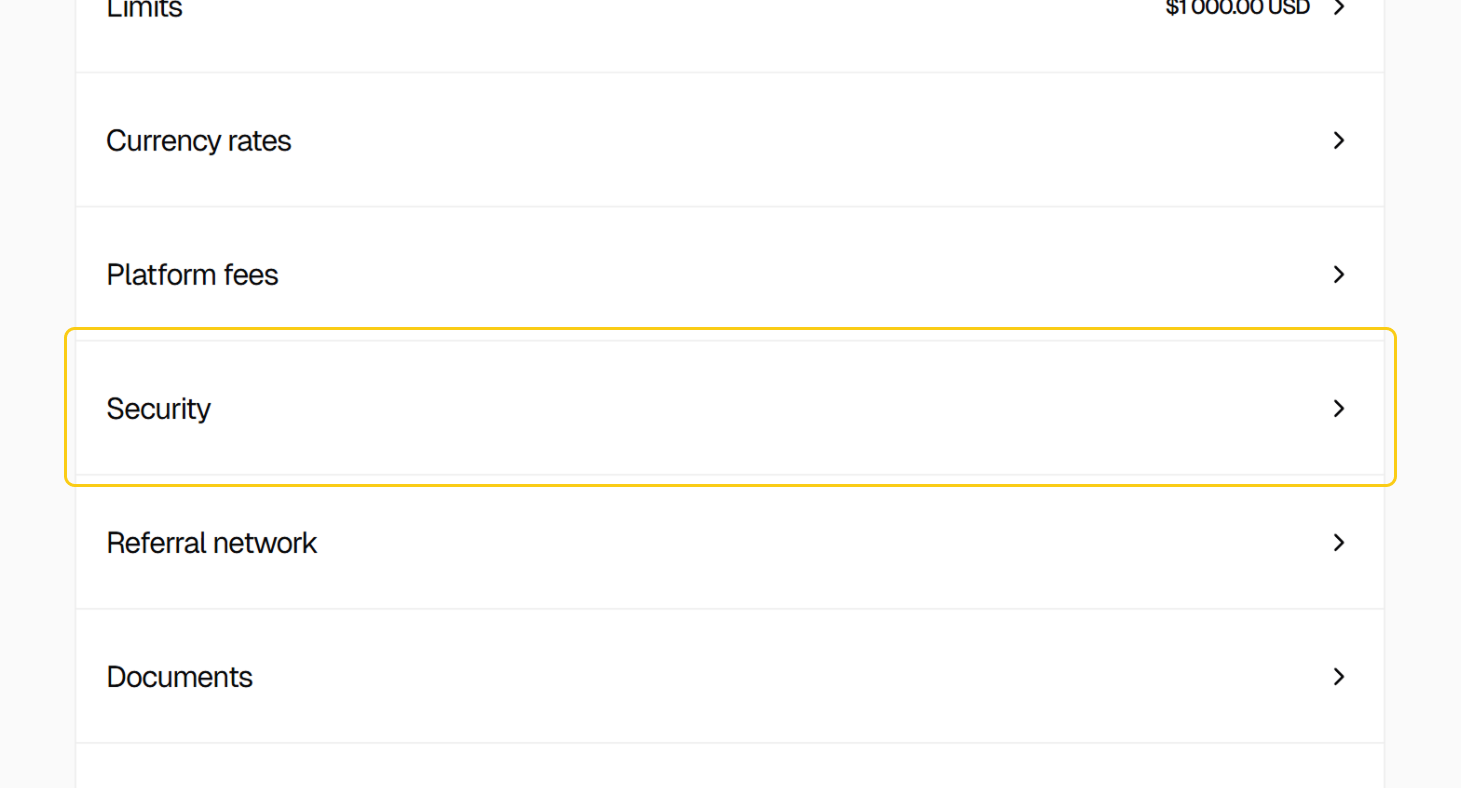
To enable 2FA:

Go to Profile → Security and activate the feature
Download Google Authenticator on a mobile device
Scan the QR code displayed on the platform or enter the provided code manually
Confirm activation by entering the verification code sent to the registered email address
Once enabled, a one-time code from the authenticator will be required during login.